AI CV Checker: 7 Crucial Things to Review
An AI CV checker scans your resume for clarity, keyword optimization, and ATS compatibility. Before submitting your application, you must manually review AI-generated content to fix robotic phrasing, verify factual accuracy, ensure correct formatting, and confirm your unique professional voice remains intact.

Share:
AI CV Checker: 7 Things to Review Before You Hit Send
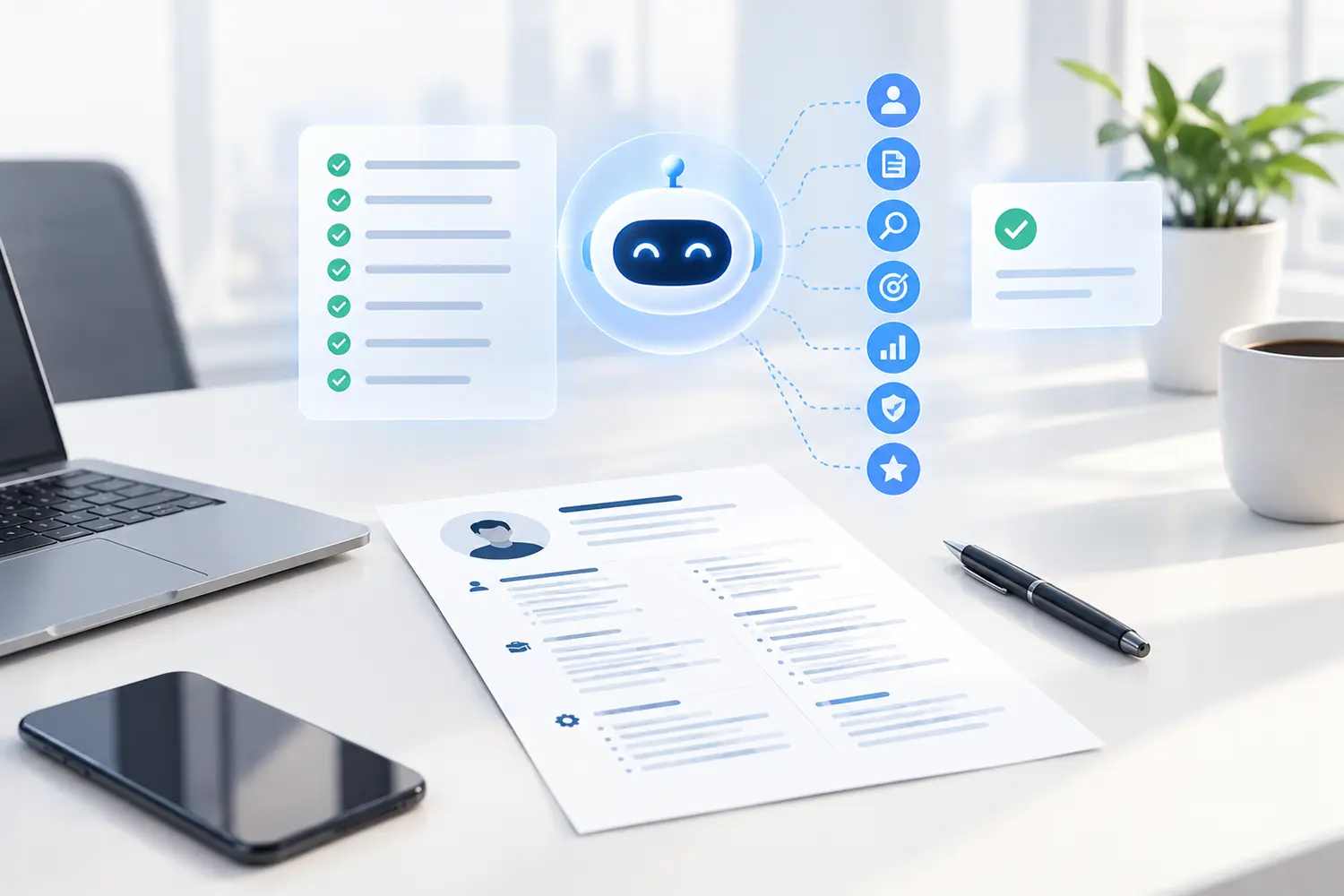
An AI CV checker scans your resume for clarity, keyword optimization, and ATS compatibility. Before submitting your application, you must manually review AI-generated content to fix robotic phrasing, verify factual accuracy, ensure correct formatting, and confirm your unique professional voice remains intact.
Table of Contents
Job searching is stressful enough without worrying if your resume will make it past the initial screening. AI tools are a massive help in finding the right words, structuring your experience, and giving you confidence. However, handing total control over to an AI CV checker can backfire if you don’t do a final manual review.
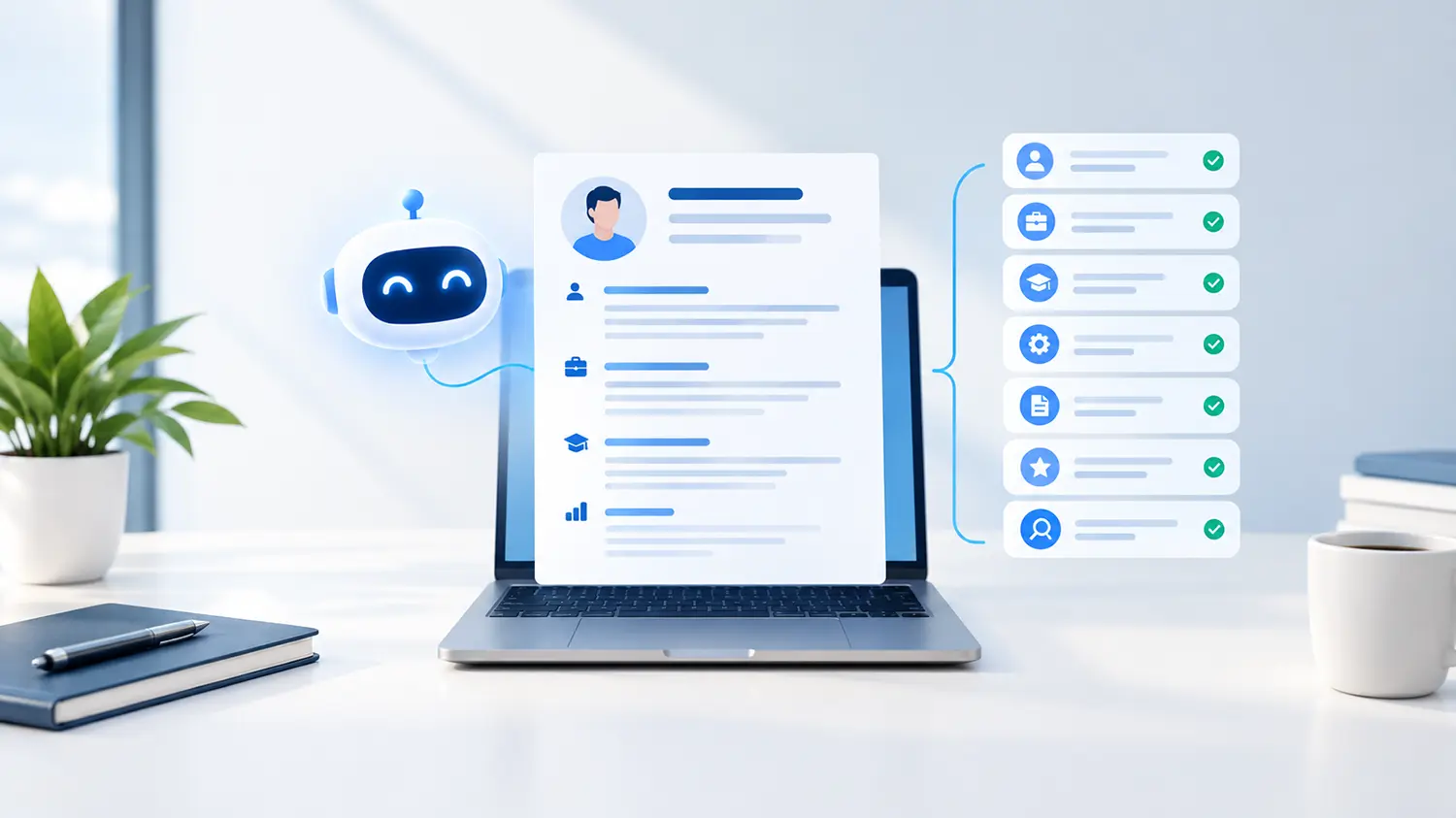
AI improves wording and structure, but it does not replace your real-world experience. Before you attach that PDF and hit send, here are the seven crucial elements you need to verify to ensure your resume is authentic, ATS-friendly, and ready for human eyes.
1. Verify Factual Accuracy (Beware of AI Hallucinations)
AI models try to be helpful, sometimes a little too helpful. If you provide a brief prompt, the AI might invent metrics, software proficiencies, or responsibilities you never actually had. Never advise lying on a CV or inventing experience. Always read through your generated bullet points to ensure every claim is 100% true and accurately reflects your background.
2. Eliminate Robotic Phrasing and Buzzwords
When AI optimizes text, it often leans on generic buzzwords like “synergized,” “spearheaded,” or “delved.” If your CV sounds like a machine wrote it, a recruiter will notice. Replace overly complex words with clear, professional language that sounds like you.
Before and After Example:
- Weak (AI Over-Optimized):Synergized cross-functional paradigms to spearhead a 20% revenue amplification.
- Strong (Human-Edited):Collaborated with the marketing and sales teams to launch a campaign that increased revenue by 20%.
3. Check ATS Compatibility and Formatting
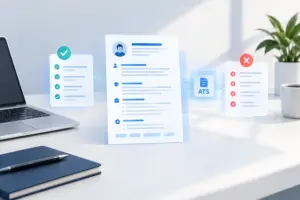
An ATS (Applicant Tracking System) is software used by employers to collect, organize, and search applications. While many people believe an ATS automatically rejects formatting it doesn’t like, the reality is that unreadable formatting simply causes your data to be missing or garbled in the recruiter’s view.
| Element | ATS-Friendly Approach | Risky / Non-Compatible Approach |
| Document Type | Standard PDF (Text-based) or Word Doc | Scanned PDFs or Image files (JPEG/PNG) |
| Layout | Single column, standard margins | Complex multi-column layouts |
| Fonts | Standard fonts (Arial, Calibri, Times New Roman) | Custom, downloaded script fonts |
| Graphics | Plain text and standard bullet points | Charts, graphs, and text inside images |
4. Ensure Keyword Relevance for the Role
An AI CV checker will often inject industry keywords, but they must match the specific job description you are applying for. If the job asks for “customer success management” and your AI tool wrote “client relations oversight,” adjust the phrasing to mirror the exact terminology used by the employer.
5. Measure the Impact of Your Bullet Points
AI is great at listing duties, but you need to show results. Make sure your bullet points still highlight the impact you made. Use numbers instead of vague words wherever possible (e.g., managed a budget of $50,000, led a team of 5 people).
6. Proofread for Consistency in Tone
Did the AI change your tone halfway through the document? Sometimes, a summary generated by AI sounds highly corporate, while your older experience section sounds casual. Ensure a consistent, professional tone from top to bottom.
7. Run a Final Human Readability Test
Recruiters spend very little time on an initial CV scan; commonly cited eye-tracking studies put it at roughly 6-7 seconds. If your paragraphs are too dense because the AI packed them with keywords, human eyes will glaze over. Keep sentences short and use bullet points for easy scanning.
The Ultimate Pre-Submission Checklist
Before finalizing your document, run through this quick checklist:
- [ ] I have verified that all dates, titles, and metrics are true.
- [ ] I have removed any robotic-sounding buzzwords.
- [ ] My formatting is clean, single-column, and devoid of complex graphics.
- [ ] The keywords match the specific job description I am targeting.
- [ ] I am saving and exporting the final version as a text-based PDF.
Does an ATS automatically reject CVs written by AI?
No. An ATS mostly collects, organizes, and makes applications searchable. Automatic rejection usually comes from knockout questions or specific filters set by the employer, not simply because an AI tool helped format or write the text.
Can recruiters tell if I used an AI CV checker?
Recruiters cannot definitively prove a tool was used, but they can easily spot robotic phrasing, unnaturally dense keyword stuffing, and generic summaries. Reviewing and editing the content in your own voice prevents your CV from looking artificially generated.
Is a PDF CV ATS-friendly?
Yes, modern ATS platforms generally read text-based PDFs perfectly. A PDF is usually the preferred format because it preserves your document’s layout across different devices. Just ensure the PDF is generated from a text document, not a scanned image.
How long should an AI-optimized CV be?
For fresh graduates and early-career professionals, one page is standard. For career changers or those with over 5-7 years of experience, a two-page CV is perfectly acceptable. Do not let an AI tool artificially inflate your CV to multiple pages with unnecessary fluff.
Does CV Maker You offer an AI review feature?
Yes, CV Maker You includes an AI-powered CV review that points out what can be improved, such as unclear wording or missing details, helping you refine your application while keeping your authentic voice.
If you are ready to put this into practice, don’t leave your job search to chance. Build your ATS-friendly CV with CV Maker You, utilize our AI support to find the right words, and download a perfectly formatted PDF today.